Chrome extension · v1.0.0
Snap it. Send it. Ask anything.
Snap any region of a page or grab its full content, and hand it straight to your AI. No copy, no paste, no separate screenshot tool.
Works on every http / https site · no account needed
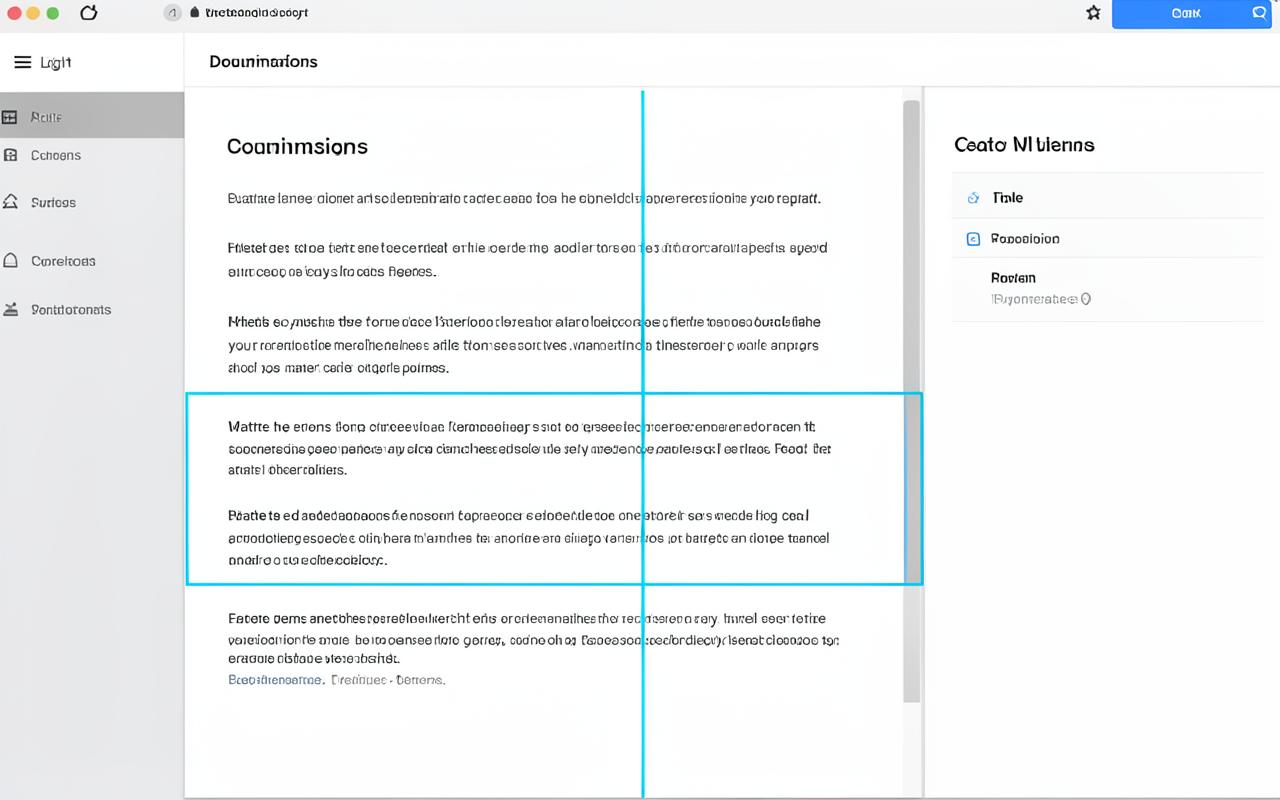
AI answer
Summary + citations extracted from your selection in one click.
(a) — The workflow
Before · 4 steps
- 1. Select text on the page
- 2. Copy to clipboard
- 3. Open a new tab & AI tool
- 4. Paste, wait, reformat
After · 1 click
- 1. Click the SnapAI icon
- 2. Snap a region or the whole page
- 3. Your AI answers — in context
(b) — Features
Quick capture
Send a full webpage to your AI instantly — structure and all.
Region snap
Screenshot any area of the screen with a precise crosshair.
On every site
Works across http and https, with your own API key.
(c) — How it works
Install the extension
Click the SnapAI icon
Snap content or a region
AI responds, on the spot
(d) — FAQ
Which AI services does SnapAI support?+
Your choice — bring your own key for Google's Generative Language API (Gemini) and any other service you configure.
Is my data private?+
Content goes only to the AI you select, directly. Keys and settings stay in local browser storage — never on our servers.
Does it work on all websites?+
Yes — every http and https page, with permissions limited to the active tab.
Can I customize AI settings?+
The options page lets you set your API key, pick a model, and adjust the default prompt used for captures.
What about API costs?+
You supply your own key, so you control spend. The extension itself is free to install and use.